

#2 How the Internet Works

I am a Full stack Developer from India and Tech savvy.
History to Internet
The Internet has become popular in the early 1990s to share data from one location to another location. Actually, internet technology was developed for military purposes in the United States in the 1960s. The packet switching technology was essential to the development of ARPANET by the United States Military. ARPANET is considered the first known group of interconnected computers, aka the internet.
How the Internet works
Internet works on interconnected networks of computers across the globe, which enables one to connect to other devices worldwide. It operates by transmitting data in the form of packets from one device to another, with each packet containing source and destination information.
When you send a request for a website or any other data on the Internet, your device sends the request through your Internet Service Provider (ISP) to the servers that host the data. The servers then send the data back to your ISP, which delivers it to your device.
The underlying technology used for transmitting data over the Internet is the Internet Protocol (IP), which defines how data is packaged and addressed for transmission. The data is transmitted using various physical and wireless communication technologies such as Ethernet, Wi-Fi, and cellular networks.
In summary, the Internet works by allowing devices to communicate with each other using standardized protocols for transmitting data, enabling the sharing of information and resources on a global scale.
How the Internet is connected worldwide
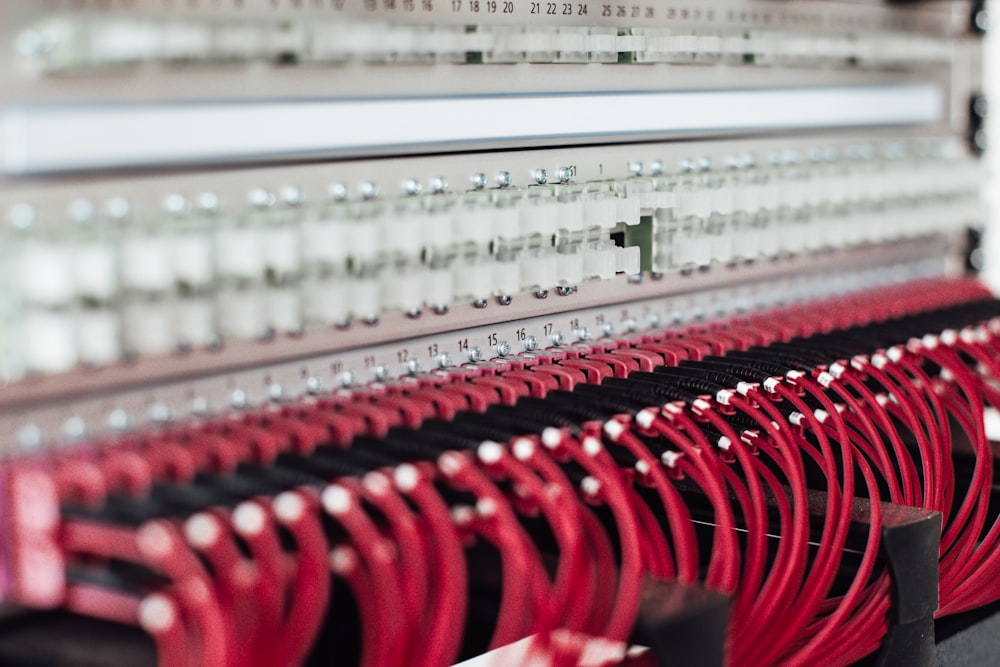
The Internet is connected globally through a vast network of routers and servers that are connected to each other through various communication technologies, including fiber optic cables, satellite connections, and microwave links.
At the core of the Internet is a global network of high-speed fiber optic cables that interconnect data centers and major Internet Service Providers (ISPs) around the world. These fiber optic cables transmit large amounts of data at very high speeds and form the backbone of the Internet.
For devices to connect to the Internet, they need to be connected to an ISP, which provides access to the Internet. This can be done through a wired connection, such as an Ethernet cable, or wirelessly through technologies such as Wi-Fi or cellular networks.
Once a device is connected to an ISP, it can communicate with other devices on the Internet and access online content and services. The data is transmitted from one device to another in the form of packets, with each packet containing source and destination information.
What happens when you type google.com in the browser

The web browser resolves the domain name "google.com" to an IP address, which is the numerical address that identifies a device on the Internet. This process is known as Domain Name System (DNS) resolution.
The web browser sends a request for the data associated with the IP address of "google.com" to the nearest DNS server.
The DNS server responds with the IP address of the server that hosts the "google.com" website.
The web browser sends an HTTP (Hypertext Transfer Protocol) request to the server that hosts "google.com", asking for the data associated with the website.
The server responds by sending the HTML, CSS, and JavaScript code that makes up the "google.com" website, along with any images and other assets.
The web browser renders the HTML, CSS, and JavaScript code to display the "google.com" website on your screen.
What is TCP/IP protocol?
For a beginner, TCP/IP will be hard to understand but in layman's language, TCP/IP protocol helps to transfer data from one device to another device. It is the underlying communication language of the Internet and is used to transmit data between devices on a network.
TCP is responsible for breaking down data into manageable packets, transmitting the packets over the network, and reassembling the packets into the original data on the receiving device. It provides reliable data transmission by ensuring that all packets are received in the correct order and that any missing or corrupted packets are re-sent.
IP is responsible for routing the packets of data from one device to another over the network. It provides the basic method for transmitting data between devices by defining how data is packaged and sent to its destination.
Together, TCP/IP provides a complete set of rules for transmitting data over the Internet, ensuring that data can be sent and received accurately and efficiently, regardless of the devices or networks being used.
Client Server Architecture
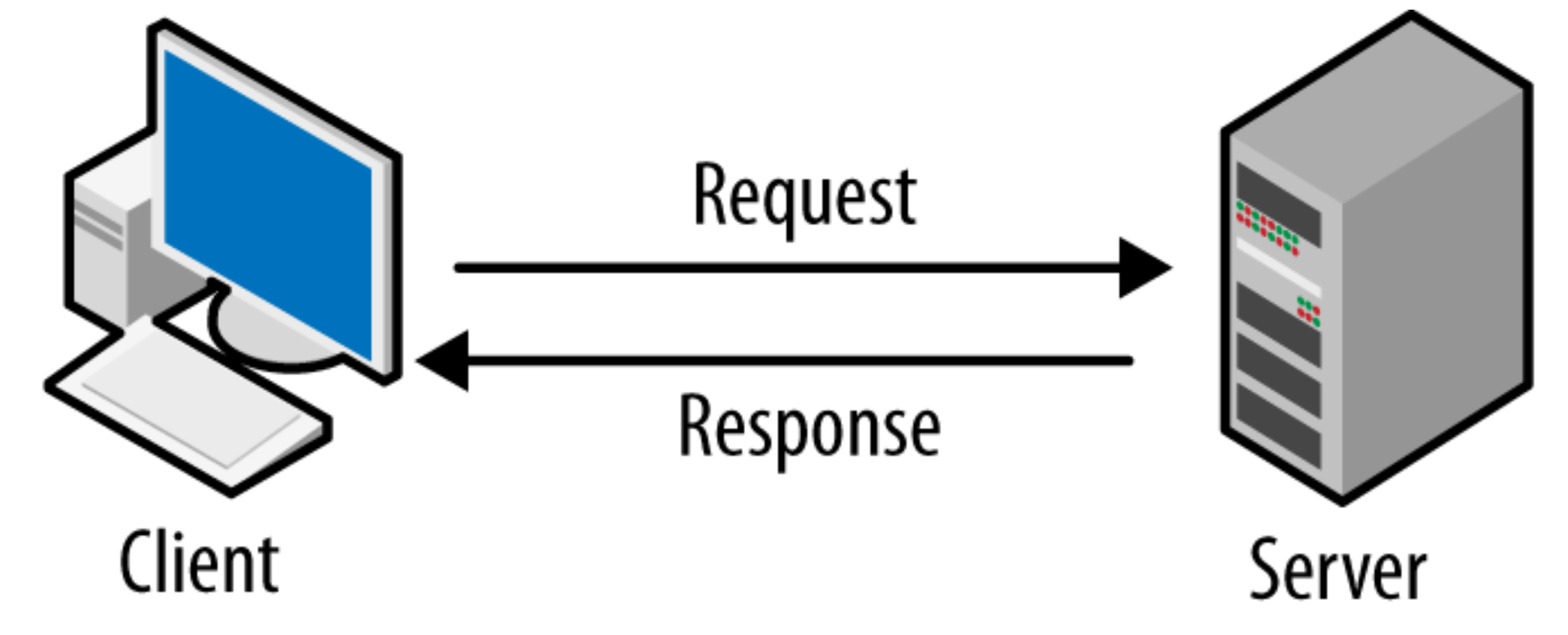
Client-server Architecture is an important topic for web developers. because mostly we will be developing web applications around client-server Architecture.
The client typically initiates a request for information or services and the server responds by providing the requested information or services. The client and server communicate through a standard communication protocol, such as HTTP or FTP, to exchange information.
In a client-server network, the server provides a central source of information and services, while the clients request and receive information and services from the server. This architecture allows for efficient and scalable distribution of resources and processing power, as a load of processing and data storage can be distributed across multiple servers.
Definitions
ISP: An Internet Service Provider (ISP) is a company that provides Internet access to customers. An ISP provides the means for customers to connect to the Internet, usually by offering a combination of hardware, such as a modem, and a connection to the Internet through a wired or wireless network.
DNS: The Domain Name System (DNS) is a decentralized system that is responsible for resolving domain names, such as "google.com", into IP addresses, which are the numerical addresses that identify devices on the Internet.
HTTPS: HTTPS (Hypertext Transfer Protocol Secure) is a widely used security protocol for secure communication over the Internet. It is used to protect the privacy and integrity of data that is transmitted between a web browser and a website.
IP Address: An IP address (Internet Protocol address) is a unique numerical label assigned to each device connected to the Internet. It acts as an identifier for devices on a network and is used to locate and communicate with other devices on the Internet. IP addresses are written in a standardized format, such as 192.168.1.1, and are typically divided into two types: IPv4 and IPv6. IPv4 addresses are written as four sets of numbers separated by periods (e.g. 192.168.1.1)
References
How does the Internet work? - Learn web development | MDN (mozilla.org)
Client Server Architecture - Detailed Explanation - InterviewBit
Outro
I am making this series of content to help other aspiring developers who want to start their career in Web Development. It takes a lot of effort to make the series, If you really like my work Buy me a Coffee and Follow me on Twitter tejaswan1 and Instagram Tech Shark (@techshark_web)


